Request refills
Send a prescription refill request for you or someone under your care.
Bass Rutledge Drug mobile app
A simple way to keep up with your prescriptions and connect with Bass Rutledge Drug when you need to.


What it can help with
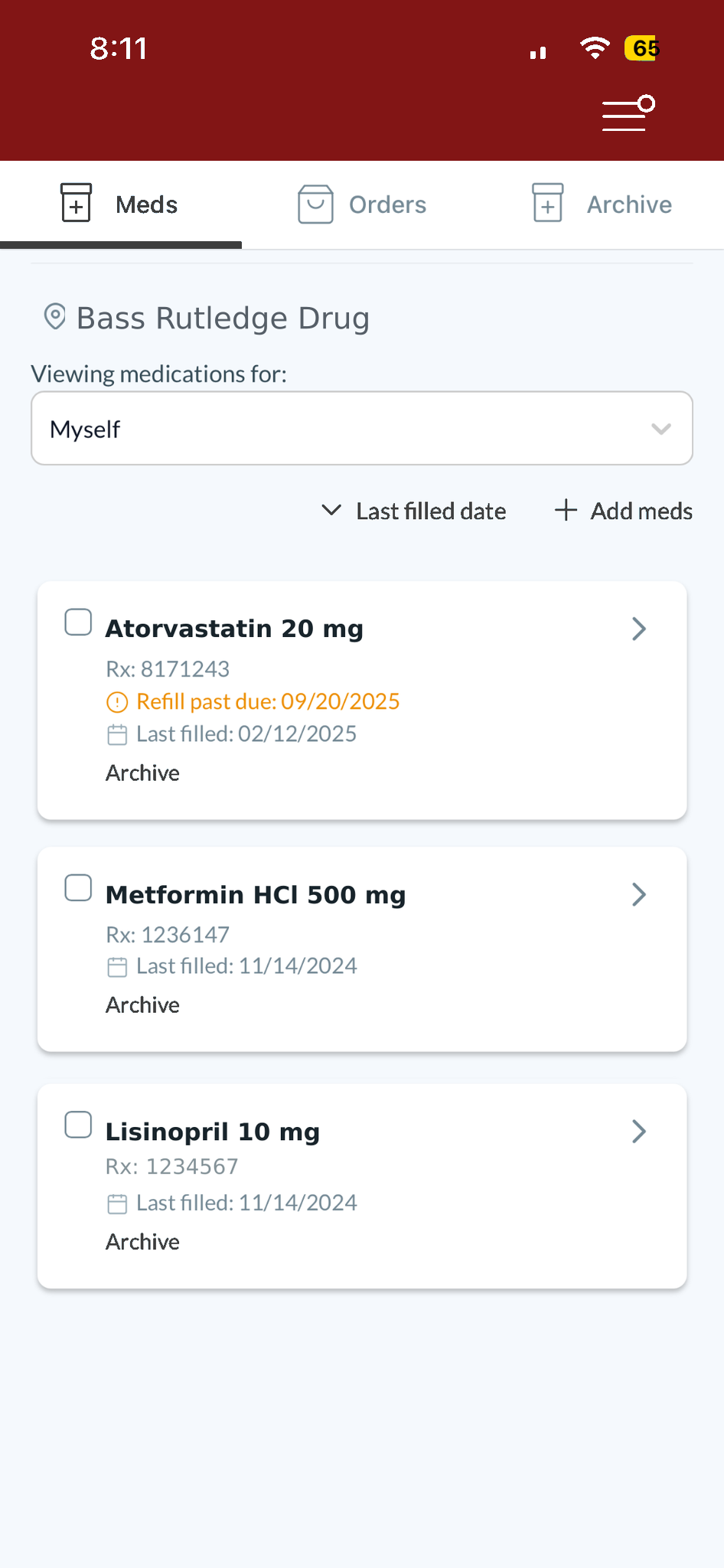
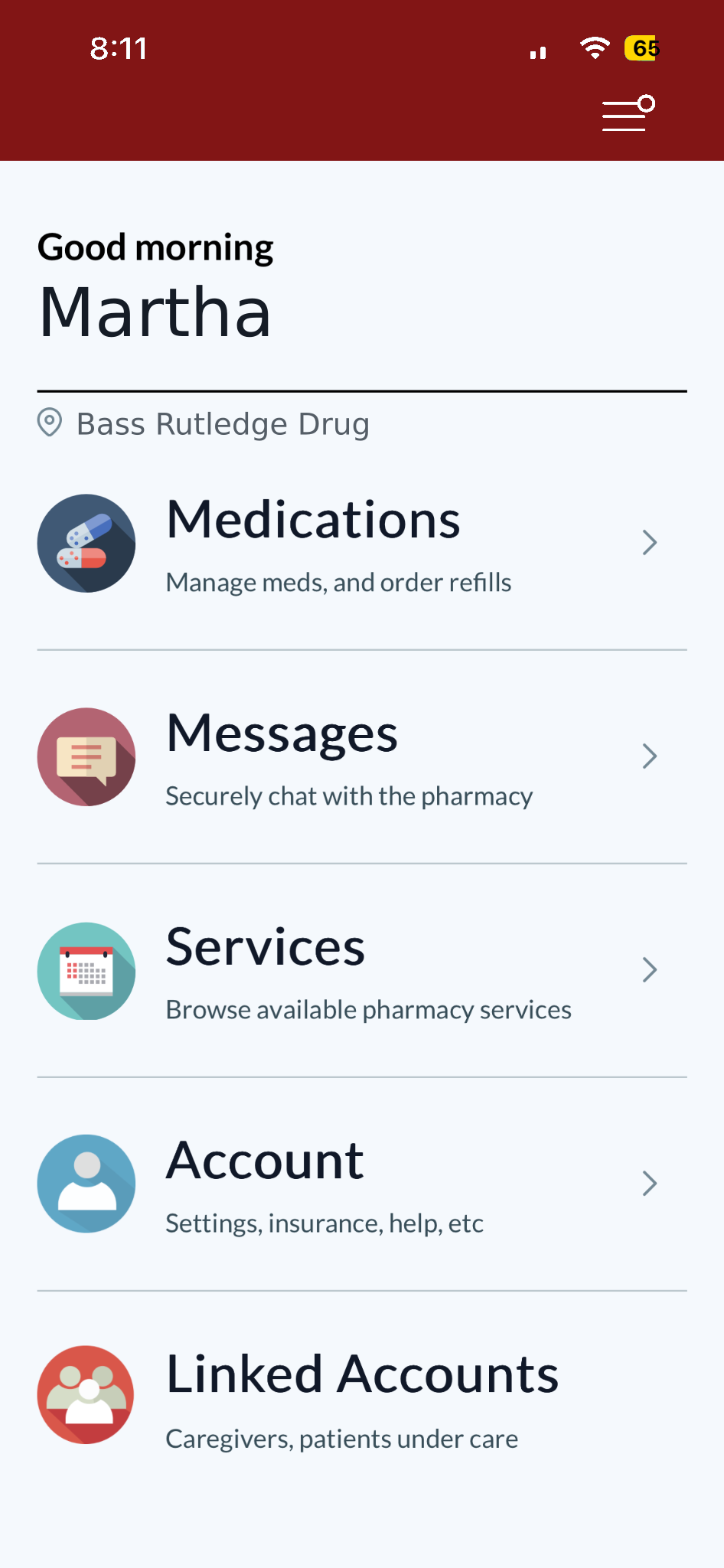
Send a prescription refill request for you or someone under your care.
Use the app to schedule pharmacy appointments without needing to make the first call.
Start a secure conversation with your pharmacy for questions and follow-up.
For caregivers, a shared view can help keep everyday pharmacy coordination from falling through the cracks.
Getting started
Download the Bass Rutledge Drug app from your preferred app store. Once it is installed, open the app and follow the prompts to begin.
Use the official App Store or Google Play link provided on this page.
Download the app to your phone and open it when the installation is complete.
Follow the in-app instructions to connect with Bass Rutledge Drug.